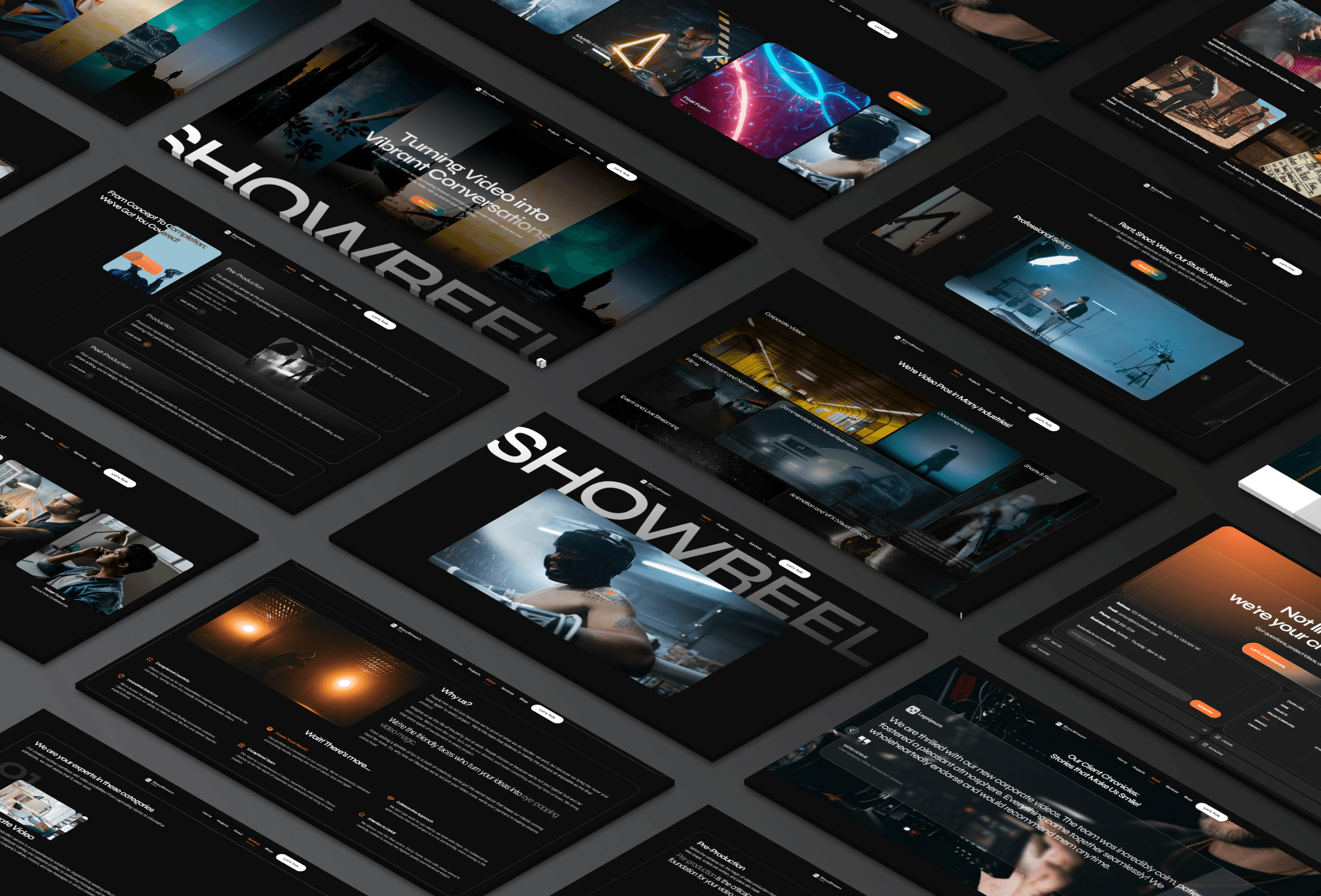
Black, white and one red
14 colour styles in folders. Text is white; the white tints draw lines, borders and card fills on the black page.
Primary and Accent/Color Dark
#000000
The page and dark grounds
Primary and Accent/Color Dark 2
#0D0D0D
Article bodies, the nav's top bar
Primary and Accent/Color Dark 3
#191919
Project facts, the contact form, logo tiles
Primary and Accent/Color Light
#FFFFFF
Icons, labels and lines on dark
Primary and Accent/Accent
#C20000
The red: highlights, selection, popup backdrop
Text/Text White
#FFFFFF
Text
Text/Text Black
#000000
Not used
White/White 100%
#FFFFFF
Corner marks and the active category
White/White 50%
White at 50%
Quieter text and placeholders
White/White 20%
White at 20%
Borders round the hero facts and stats
White/White 15%
White at 15%
Section lines and borders
White/White 10%
White at 10%
Card and field borders
White/White 5%
White at 5%
Card fills: pricing, reviews, facts
Black/Black 40%
Black at 40%
Button shade, the nav's blur, chips
TASA Orbiter for titles, Inter Display to read
Sizes read desktop / tablet / phone. To change a size, change the style, never a layer. The Article styles set the headings inside blog, product and legal text.
Heading 1
TASA Orbiter Semibold, capitals
80 / 64 / 46
The Home hero and page titles
We make videos people remember
Heading 2
TASA Orbiter Semibold, capitals
60 / 48 / 42
Section titles
Built around the entire production process.
Heading 3 - L
TASA Orbiter Bold, capitals
30 / 24 / 20
Service names, prices and card titles
Video production
Heading 3 - S
TASA Orbiter Semibold
22 / 20 / 18
Stats, blog and product titles
8 years, 120+ brands
Heading 3 - Uppercase
TASA Orbiter Semibold, capitals
20 / 18 / 18
Project, team and step titles
After School
Body - XL
TASA Orbiter Semibold, capitals
200 / 140 / 100
Not used
Sequence
Body - L
Inter Display Medium
18 / 17 / 16
Answers, quotes and article text
Every project starts with a relaxed discovery conversation about your goals.
Body - S
Inter Display Medium
15 / 16 / 16
Body text
From short films to long-form brand stories.
Body - Uppercase - L
Inter Display Medium, capitals
15 / 14 / 13
Nav links, the footer and lead lines
Every frame has a job
Body - Uppercase - S
Poppins, capitals
12
Labels, chips and meta
Master_edit.prproj
Article/Heading 1
TASA Orbiter Semibold, capitals
56 / 46 / 36
Article h1
The short version
Article/Heading 2
TASA Orbiter Bold, capitals
40 / 34 / 30
Article h2
A pulse you can almost hear
Article/Heading 3
TASA Orbiter Bold, capitals
28 / 24 / 22
Article h3
The court after three
Article/Heading 4
TASA Orbiter Semibold
22 / 20 / 18
Article h4
Stay close, step back
Article/Heading 5
TASA Orbiter Semibold, capitals
18 / 17 / 16
Article h5
Confidence in motion
Article/Heading 6
TASA Orbiter Semibold, capitals, Accent
16 / 15 / 14
Article h6 and product categories
LUT Packs
Navigation, footer, labels and buttons
The nav, the footer and the column lines live in the layout template. Inner pages open with Inner Hero.
Nav
Logo, email copy and phone (Email and Phone - Nav, Copy Button - Nav) and the menu (Menu Icon and Text) that opens Nav Menu Link rows and Social - Nav. Desktop - Opened, Desktop - Closed, Phone - Opened, Phone Closed.
Footer
The call to action, page links (Link - Footer), socials (Social Button - Footer) and the local time. It sits fixed under the page and shows as the page scrolls off. Desktop, Tablet, Phone.
Section Label
Opens every section: title, two file-name chips (Other 1, Other 2) and a playhead that runs with the page (code). Left, Middle, Phone.
Button
Label, Link; Default and Text. A glitch plays on hover (code).
Play Showreel 2026
Button - Play Showreel and Cross
The showreel button in the hero, and the cross that closes the video popups.


Button - Review Source
A review count from one platform: logo or Phosphor icon, number of reviews, link.

Star and Small Image
The rating stars (Full, Half, Empty) and a small client photo, in the hero’s review line.
Grids
The column lines behind every section and the footer, absolute and behind the content. Desktop, Tablet, Phone.
The parts the Home page is made of
Works and insights come from the CMS; the rest are components with fields.


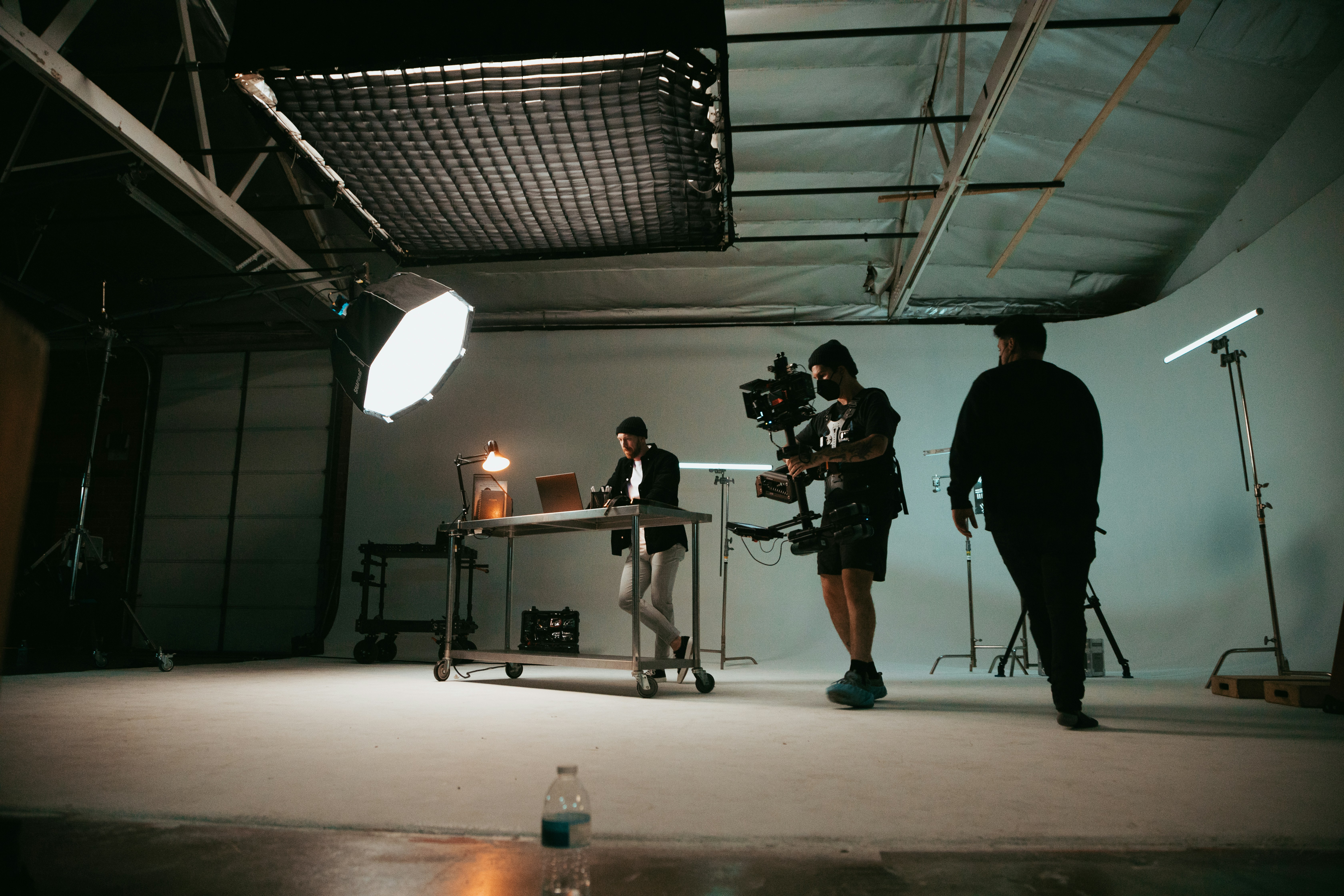


Services
A service row that opens: serial, title, text, nine sub services (Subservice) and four photos running in a ticker. Desktop Opened, Desktop Closed, Phone Opened, Phone Closed.
Card - Project
A featured work in the Home scroller: image, title, year and categories, with a play button that opens the film and a View Project button. Desktop, Phone.
Stat
A figure that counts up (Number), its title and a line. Horizontal, Phone.

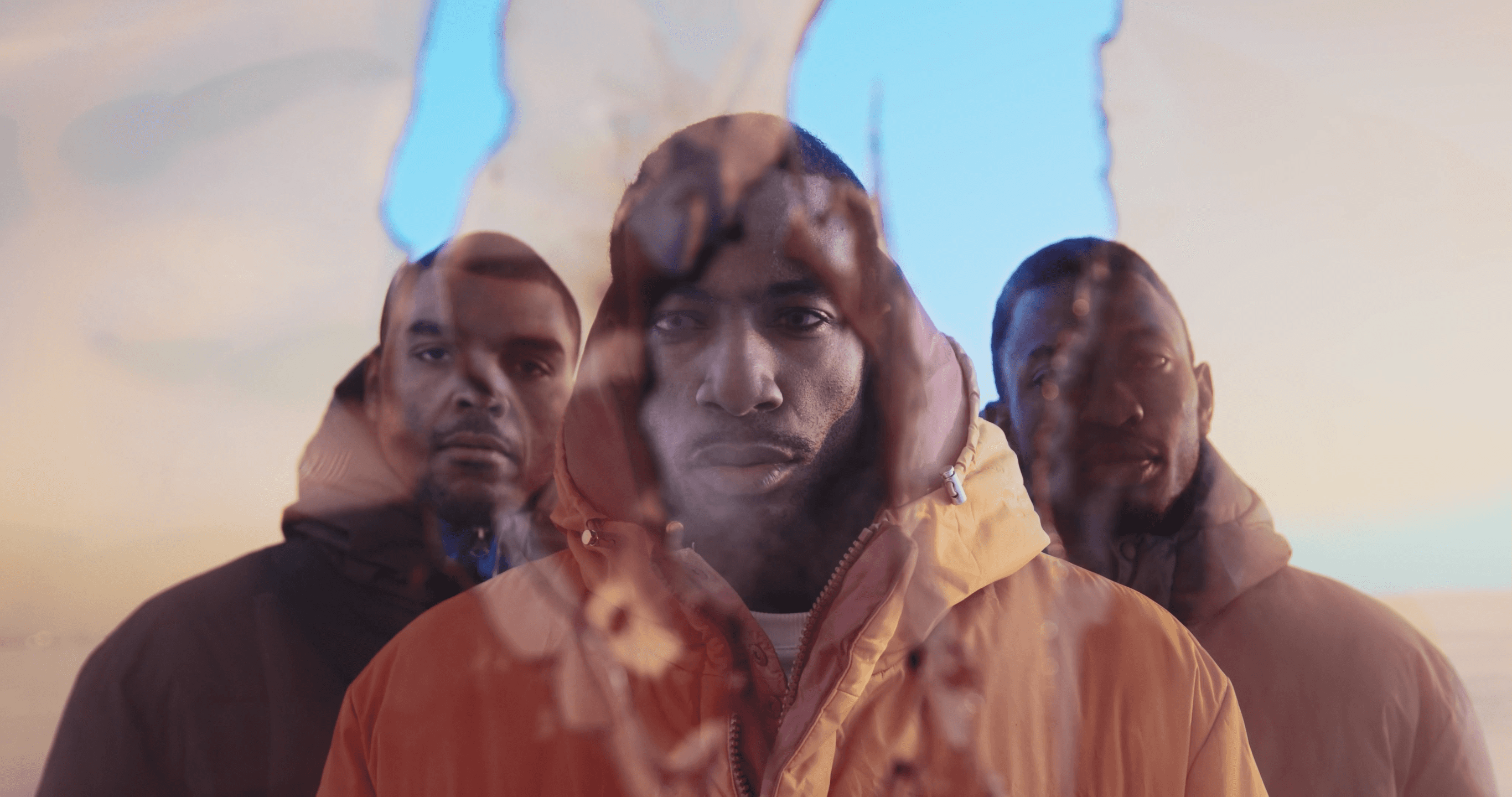


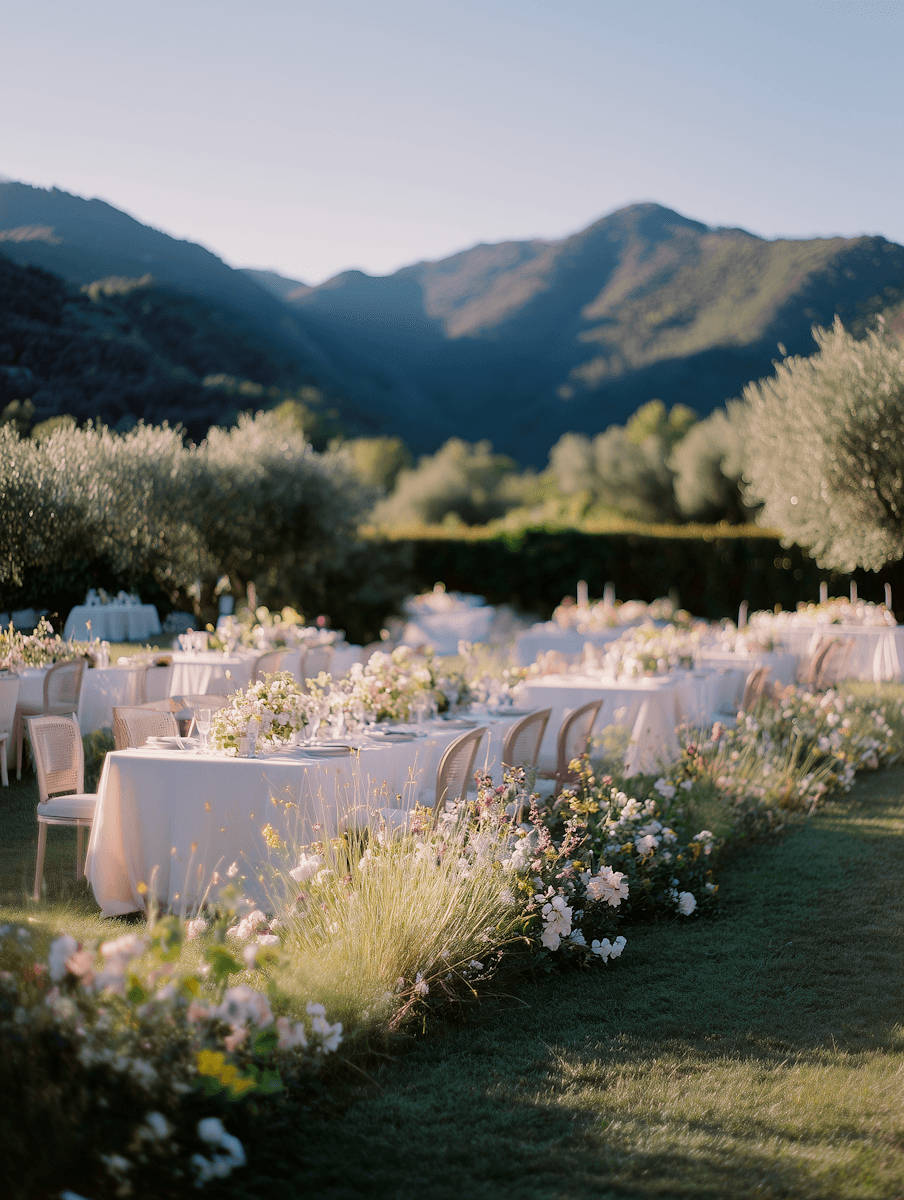
Categories
The running row of work categories (Category - Single), the middle one lit (code). Desktop, Phone.


Ticker - Brand Logos
The clients’ logos running in a row (Brand). Horizontal; Vertical on tablet and phone.

"We've worked with a handful of production teams over the years, and this was by far the smoothest experience. Communication was clear, timelines were realistic, and every revision was handled quickly without unnecessary back and forth. The attention to detail really stood out, especially during the editing process. The finished video has become one of our most valuable marketing assets."

Ephram Vale
Creative Director, Marlowe & Finch
Card - Testimonial
A client review: brand logo, words, name, role and portrait. Long, Short.

"Fast, creative, and incredibly easy to work with."

Torin Ashford
Founder, Brightseed Studio
Card - Testimonial, Short
The short review, a line or two.

Card - Blog
A post from Insights: image, day, month and year, category, title. The title rolls on hover (code).
Half Day Production
Creative Planning
Pricing - Price & Details and Pricing - Bullet Point - Single
A package: name, price with prefix, description and image (Badge - Pricing, Pricing - Amount), and its included items. Desktop, Phone.
[001]
What kind of videos can you create for us?
We create commercial campaigns, corporate stories, brand films, product showcases, short-form and UGC-style content, motion graphics, documentaries, social campaigns, and polished real-estate films. You do not need to arrive carrying a perfect script and a color-coded storyboard like a heroic producer from the future. Tell us what you are launching, who needs to care, and what you want them to do next; we will recommend the format, tone, runtime, and production approach that fit the goal. Every project is shaped around the audience and platform, so the finished work feels intentional, memorable, and useful—not like one long video awkwardly trying to wear five different hats.
Formats shaped around your brief
End-to-end support: concept through final delivery
Filming, editing, motion, and finishing available
Platform-ready masters and cutdowns
[002]
How does the whole production process work?
Every project starts with a relaxed discovery conversation about your audience, message, goals, references, timeline, and the practical details that keep everyone sane. From there, we shape the concept, script or treatment, production plan, crew, locations, and schedule. During filming, we keep the set focused but friendly; good work usually happens faster when nobody is whispering nervously at a clipboard. Then we move into editing, sound cleanup, color, graphics, captions, and review rounds. You will always know what stage we are in, what we need from you, and what happens next. The process is structured enough to prevent surprises, but flexible enough to make room for a genuinely better idea when one appears.
Discovery and creative direction
Pre-production: script, schedule, crew, and locations
Production with a clear, calm plan
Editing, feedback, finishing, and delivery
FAQS
A question that opens: serial, question, answer. Opened, Closed.
The parts of the other pages

Play Video
Play Video
After School
2025
Card - Project - Inner Page
A work on Works and under each project, bound to Works: image, title, year, categories, and Play Video or View Project buttons (Button - Project Card). Default, Inner Page.
All
Commercial
Tab
A category filter on Works, from Categories: Default, Active.
Card - Process Step
A stage of the process on About: number, title, text. Default, Phone.
Card - Why Choose Us
A reason to choose the studio, with an icon: title, text. Primary, Phone.


Ticker - Awards
The studio’s awards running in a row (Awards). Variant 1, Phone.

$34
$48
Emberline LUTs
Card - Product
A product from Products: thumbnail, category, title, price and price before discount, with Details and Download (Button - Product Card).
Camera
Sony A7 IV
Card - Legal Document and Overview
A document on Legal (title, last update), and a fact on gallery pages (Overview: title, details; Horizontal, Vertical).
Card - Image Gallery
A photo series from Gallery: three images, title, description, category, project type and date (Tag, Button - Album Card - No Link). Horizontal, Vertical.
Form
The contact form with its submit button (Button - Form). Form - Desktop; Phone on tablet and phone.
Ten code files
They run in Preview and on the live site, not in the editor.
Codes/SectionLabelResponsivePlayhead.tsx
Inside Section Label
Codes/ScrollWordReveal.tsx
Home: About
Codes/CenterActive.tsx
Inside Categories
Codes/GlitchEffect.tsx
Buttons and the 404 page
Codes/RotatingText.tsx
Inside Card - Blog and Team - Single
Codes/LocalTimeClock.tsx
Home and Contact
Codes/BlogShareButtons.tsx
Insight, product and gallery pages
Codes/BeforeAfterSlider.tsx
Product pages
Codes/Grain.tsx
Project pages
Codes/Phosphor.tsx
Icons inside components and Products